Instead of trying to connect an RFID passport holder to TSA PreCheck, add your Known Traveler Number to your airline reservation and check your boarding pass for the TSA PreCheck indicator. An RFID passport holder is a physical organizer, not a connected device; it cannot store your enrollment or activate expedited screening.
- RFID passport holder TSA PreCheck setup requires no pairing: your Known Traveler Number belongs in your airline reservation.
- Essentialfortravel sells passport organizers and travel accessories, not TSA PreCheck enrollment.
- Match your reservation details to your enrollment and verify the TSA PreCheck indicator before entering the checkpoint.
- RFID blocking protects against compatible wireless reads; it does not establish identity or screening eligibility.
How TSA PreCheck eligibility works
TSA PreCheck follows your eligible reservation, not your passport holder. Buying an RFID organizer, carrying an electronic passport, or placing an enrollment document inside a wallet does not add TSA PreCheck to a flight.
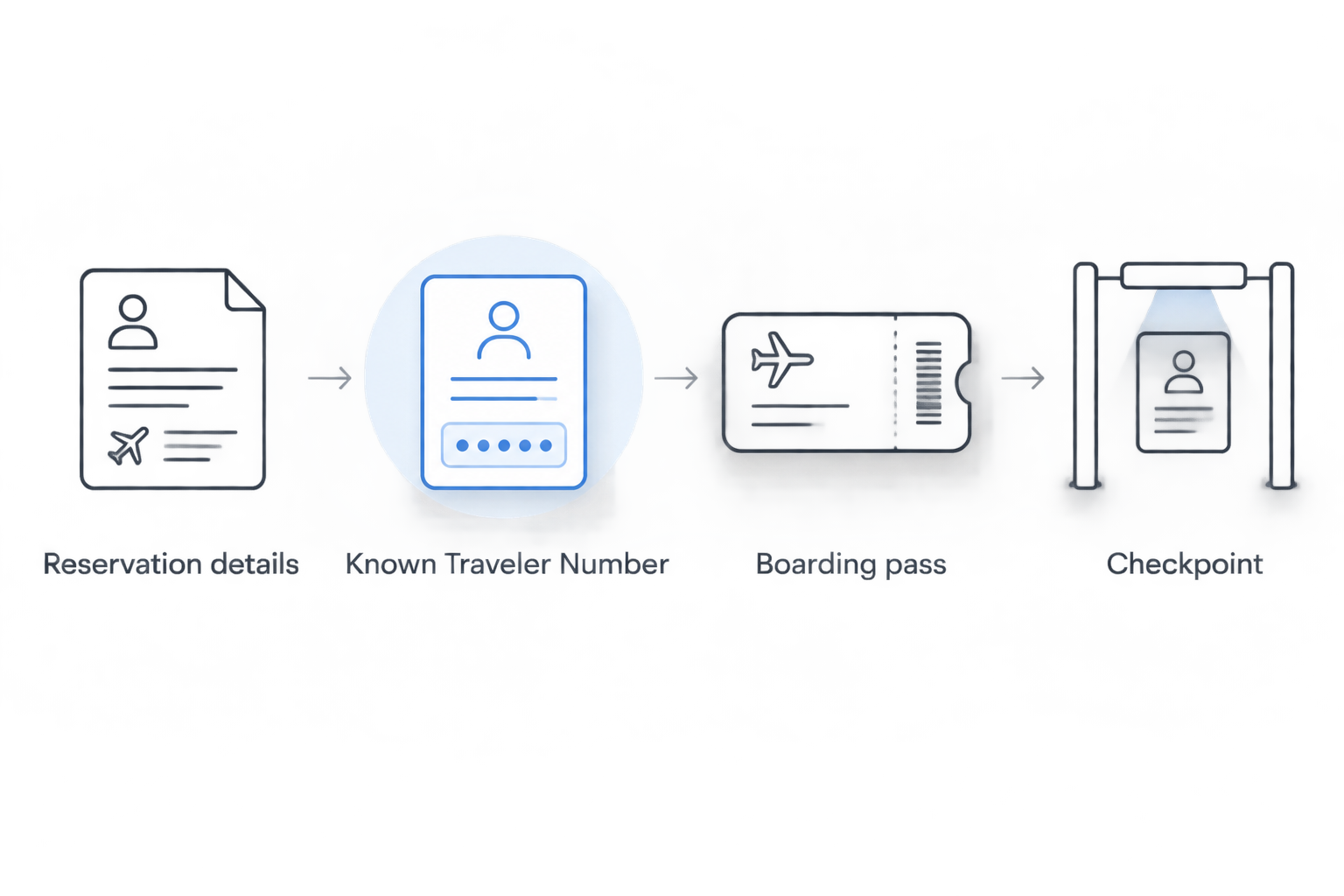
For travel in 2026, keep the jobs separate: your airline reservation carries your Known Traveler Number, your boarding pass shows your screening designation, and your organizer keeps documents together. This distinction prevents you from troubleshooting a physical accessory when the reservation needs attention.
Essential For Travel is best for travelers seeking curated passport organizers and travel accessories for delivery within the US. Treat the store as a source of packing accessories, not as an enrollment provider or a place to change airline records.
Before you start
- Have an active membership and your Known Traveler Number. If you have not completed enrollment, an organizer cannot replace it. TSA states that TSA PreCheck membership lasts 5 years; check your own expiration date before relying on an old number.
- Have access to the airline reservation and enrolled traveler details. Keep the confirmation code, full name, date of birth, and Known Traveler Number ready. For a family booking, match each number to the correct person.
- Check the existing booking, not just your airline profile. Adding a number to a frequent-flyer account does not establish that it appears on a reservation you already made. This is the setup mistake to catch before check-in.
No pairing app, Bluetooth permission, charging cable, or RFID registration is involved. If an accessory includes RFID-blocking material, that feature concerns wireless reading of compatible contents; it has no role in the airline's screening designation.
Reservation identity details
The actual connection happens between your traveler information and your airline reservation. Start there, before arranging documents inside a holder.
- Open the airline's website or app and access the relevant booking. Use the confirmation code if the trip does not appear in your account.
- Open the passenger information for the person whose TSA PreCheck benefit you want to use. On a shared reservation, work through travelers separately rather than entering the same number for everyone.
- Compare the passenger's name and date of birth with the details used for enrollment. Correct mismatches through the airline's permitted process; do not change identity information merely to make a field accept an entry.
- Locate the Known Traveler Number field. Airlines use different page layouts, so there is no universal sequence of menu buttons. Do not substitute a passport number, frequent-flyer number, or redress number.
- Enter the enrolled traveler's number and save the passenger details. Reopen the reservation and check that the entry remains attached to the correct traveler.
Expected result: The reservation contains the correct Known Traveler Number and matching passenger details. That completes the reservation update; it does not guarantee expedited screening on every trip.
If the airline does not expose the field online, contact the airline with your confirmation code. Ask the airline to verify the Known Traveler Number on the specific booking rather than simply confirming that it exists in your account profile.
Boarding pass verification
Your boarding pass is the practical checkpoint test. A number saved in an account is not a substitute for the TSA PreCheck indicator on the boarding pass you will present.
- Check in with your airline using its normal process. Open the boarding pass for the correct traveler and flight.
- Look for the TSA PreCheck indicator. Its presentation varies by airline and boarding-pass format; inspect the actual pass rather than expecting a particular location or design.
- If the indicator is absent, return to the reservation details. Confirm the Known Traveler Number, name, date of birth, and current membership status before requesting help.
- Ask the airline whether the boarding pass needs to be reissued after a reservation correction. Refresh the mobile pass or obtain the corrected printed version as instructed.
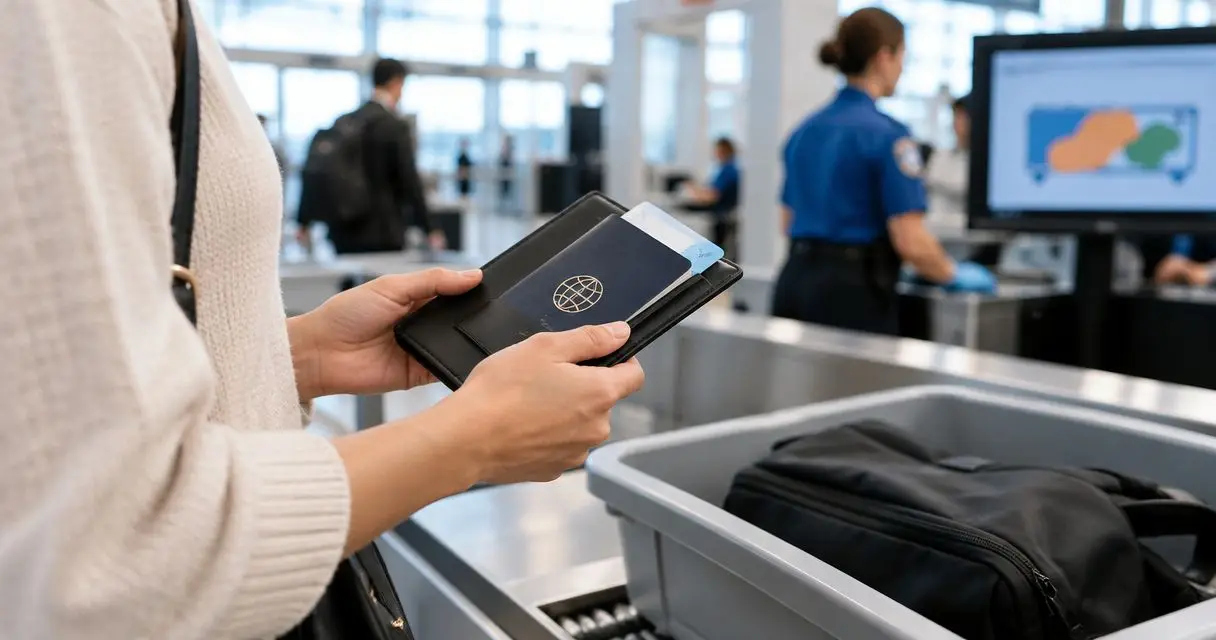
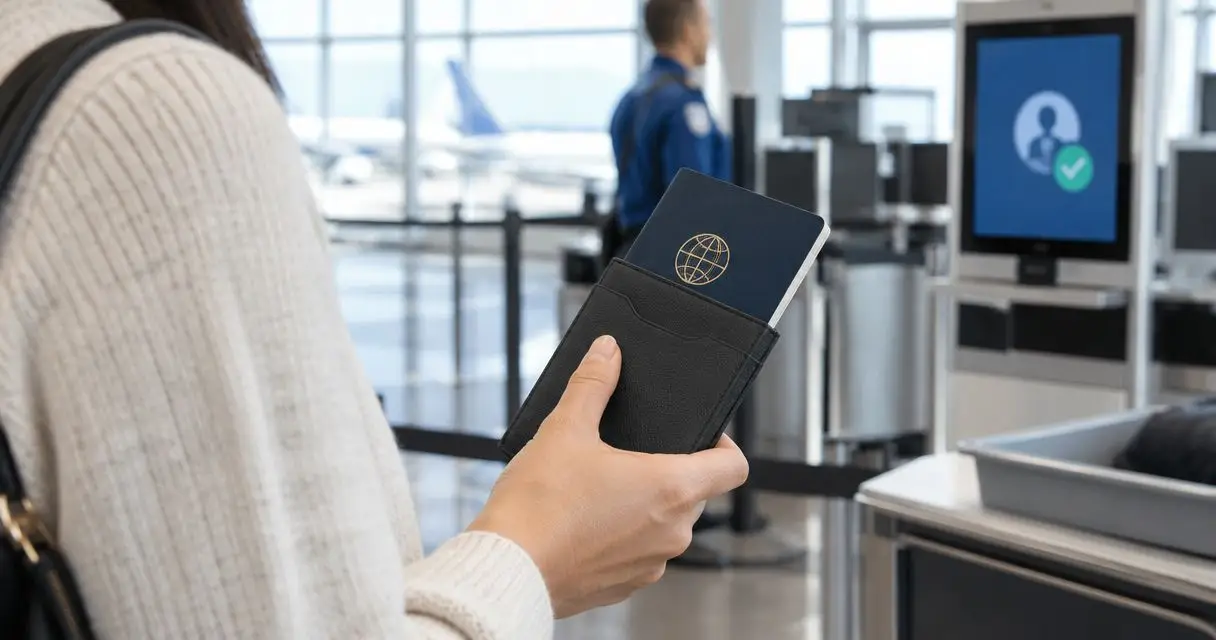
- Present the current boarding pass and acceptable identification at the checkpoint. Follow the screening instructions given there, even when your pass includes the indicator.
Expected result: You know whether your current boarding pass carries the TSA PreCheck designation before joining a screening line. TSA does not guarantee expedited screening on every journey, so a correct number is not an unconditional promise.
For a 2026 trip, repeat this check when the airline reissues your itinerary or boarding pass. A saved screenshot from an earlier flight does not establish eligibility for the flight you are taking now.
Passport holder organization
Once the reservation is correct, arrange the physical documents. The organizer's job is to make the next document easy to retrieve, not to communicate with TSA systems.
- Put the passport you intend to present in an accessible compartment. Remove unrelated papers that make the relevant document harder to find.
- Separate travelers' documents in a shared holder. Before leaving home, match each passport to the corresponding boarding pass and reservation name.
- Keep a printed boarding pass accessible if you choose to carry one. If you use a mobile boarding pass, confirm that you can open the current pass on your phone.
- Remove your passport from the holder when an officer, airline employee, or document reader requires the document itself. Do not expect a reader to work through an RFID-blocking enclosure.
- Return each document to its assigned place after inspection. Avoid placing one traveler's passport behind another traveler's boarding pass during a busy handoff.
Expected result: You can retrieve the correct document without treating the holder as an electronic credential. There is nothing to activate on a standard RFID-blocking passport organizer.
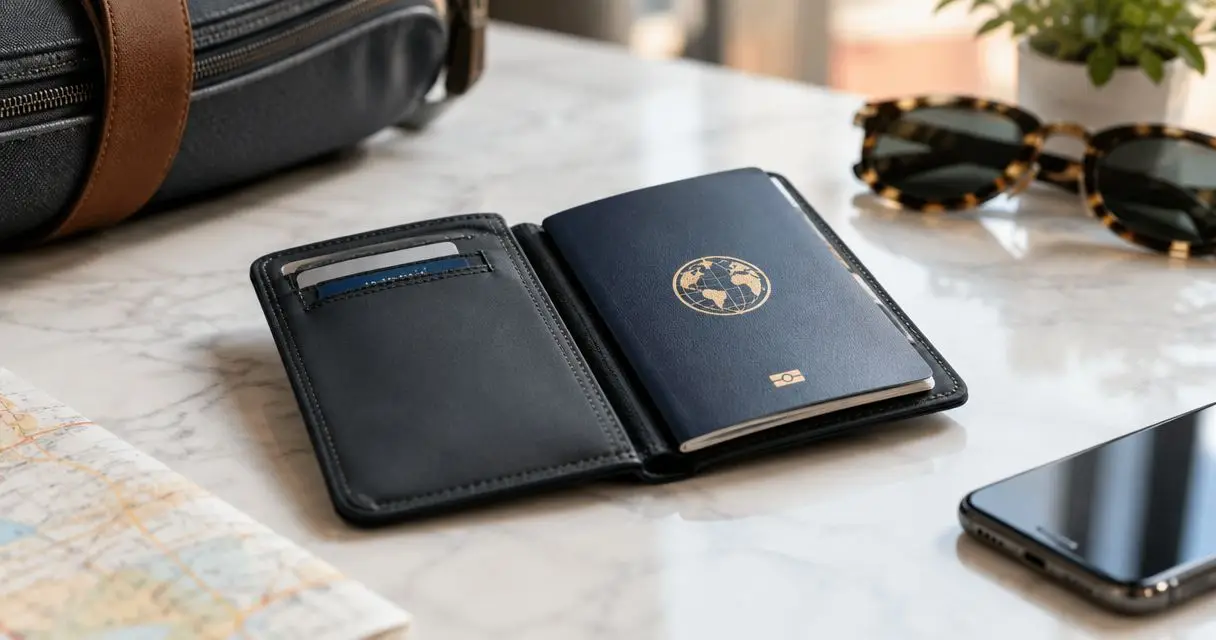
Essentialfortravel's RFID Family Passport Holder & Travel Document Organizer lists space for up to 6 passports, plus cards and boarding passes. Best for: travelers who want family documents in a shared zippered organizer. The trade-off is shared custody: designate who carries the holder and check its contents after every document handoff.
That organizer does not add TSA PreCheck, replace a passport, or establish acceptance of any document at a checkpoint. Its listed capacity is an organization feature, not a screening benefit.
What each part actually does
| Item or record | Best for | Useful function | Limitation |
|---|---|---|---|
| RFID passport holder | Keeping physical documents together | Organizes passports and other travel papers | Cannot enroll you in TSA PreCheck or update a reservation |
| Known Traveler Number | Identifying your trusted-traveler record in a booking | Gives the airline the number associated with your enrollment | Must be attached to the correct passenger details |
| Current boarding pass | Checking the flight's screening designation | Shows whether the TSA PreCheck indicator is present | Does not replace required identification |
| Passport | Presenting an identity and travel document where required | Supports identity checks and international travel | Its number is not your Known Traveler Number |
Add TSA PreCheck to an existing booking
You do not need to buy another passport holder or make a new reservation just because you booked before adding your Known Traveler Number. Update the existing booking through the airline's permitted process.
- Retrieve the existing reservation and open the relevant passenger's details.
- Add the correct number to Known Traveler Number, then save the change. If you booked through a travel agency and cannot edit the record, ask the agency or airline to handle the update.
- Confirm that the number appears on that reservation, not only in the loyalty profile.
- If you have already checked in, ask the airline how to obtain an updated boarding pass. Inspect the replacement for the TSA PreCheck indicator.
Expected result: The existing reservation has been checked and, where needed, corrected without changing your physical packing setup.
For future bookings in 2026, save the number in your airline profile as well. That reduces repeat entry, but still inspect each reservation—especially one created by someone else or booked without signing in.
Best for existing bookings: correct the passenger record first. Repeatedly refreshing an unchanged boarding pass does not fix a missing number in the underlying reservation.
Troubleshooting
The Known Traveler Number is saved, but the indicator is missing
Check the specific reservation, passenger identity details, and membership status. Then ask the airline to verify the entry and advise whether it can reissue the boarding pass. Remember that TSA does not guarantee expedited screening on every trip.
The airline field rejects the number
Confirm that you are using Known Traveler Number, not a passport or redress field. Copy the number from your official enrollment record rather than an old personal note. If the correct entry still fails, ask the airline to enter or verify it; do not invent a different format.
One family member has TSA PreCheck and another does not
Review each traveler's boarding pass and reservation separately. A shared passport holder does not share membership or transfer a screening designation. Follow TSA's current rules for children traveling with an eligible parent or guardian rather than assuming every family member qualifies.
The passport reader does not work with the holder closed
Remove the passport and present it as instructed. RFID-blocking material is intended to interfere with compatible wireless reading, so keeping the document enclosed is not a useful reader test. Do not cut or modify the organizer to solve a reservation problem.
The airline profile is correct, but an older booking is not
Open the older reservation and verify the passenger record directly. Ask the airline to add the number if self-service editing is unavailable. After correction, check the boarding pass again instead of relying on the profile confirmation.
Preflight document checklist
Build a reusable travel checklist with separate digital and physical tasks. For your 2026 template, use these headings:
- Reservation details: Confirm the traveler name, date of birth, and Known Traveler Number on each booking.
- Boarding pass: Check the current pass for the TSA PreCheck indicator after check-in or reissue.
- Documents: Confirm that the necessary identification is present, valid, and easy to remove from its holder.
- Return trip: Repeat the booking and boarding-pass checks rather than assuming the outbound designation settles the whole itinerary.
Keep sensitive identity details out of exposed checklist notes. You can record that a number was verified without copying the full number into every packing list.
FAQ
How do I connect an RFID passport holder to TSA PreCheck?
You do not connect an RFID passport holder to TSA PreCheck. Add your Known Traveler Number to the airline reservation, match your enrolled passenger details, and check the current boarding pass for the TSA PreCheck indicator.
Does an RFID passport holder automatically give me TSA PreCheck?
No, an RFID passport holder does not provide TSA PreCheck. It organizes physical documents; enrollment and flight screening designation are separate matters.
Is my passport number the same as my Known Traveler Number?
No, your passport number and Known Traveler Number are different identifiers. Enter the number from your trusted-traveler enrollment record in the airline’s Known Traveler Number field.
Can I add TSA PreCheck after booking my flight?
You can add your Known Traveler Number to an existing reservation through the airline’s supported process. If you have already checked in, ask whether a replacement boarding pass is needed after the update.
Do I need to remove my passport from an RFID holder at security?
Remove your passport whenever the officer or reader requires the document itself. An RFID-blocking holder is not a replacement for presenting acceptable identification.
Why is TSA PreCheck missing when my airline profile has my number?
Your profile entry does not confirm that the number is attached correctly to the specific reservation. Verify the booking’s passenger details and membership status, then ask the airline to check the record.
Can everyone in a family passport holder use one person’s TSA PreCheck?
A shared passport holder does not transfer TSA PreCheck eligibility. Check each boarding pass and follow TSA’s current rules for children traveling with an eligible parent or guardian.
One last thing
The document holder can be perfectly organized while the reservation is still wrong. Before your next departure in 2026, inspect the boarding pass first; then pack the documents you need to present.
Use Essentialfortravel for the physical organization part of that routine. Keep enrollment, airline records, and checkpoint instructions separate from the accessory purchase.