
Instead of manually matching loose family passports to Global Entry records before every trip, set up a traveler-by-traveler document check and keep the passports together in a family holder. A physical passport holder cannot connect to Global Entry: each traveler’s membership and passport information must be managed separately.
- Family passport holder Global Entry setup means organizing documents, not connecting a wallet to government accounts.
- Global Entry requires individual membership, including for children; a parent’s membership does not cover the family.
- Essentialfortravel sells a physical family passport organizer, not a Global Entry integration.
- Update changed passport information through Trusted Traveler Programs before relying on your existing membership for travel.
Global Entry membership and passport organization
A family passport holder solves a physical problem: keeping travel documents together. Global Entry solves a different problem through U.S. Customs and Border Protection, or CBP: expedited entry processing for approved travelers. Putting passports in the same wallet does not combine memberships, update passport details, or enroll anyone.
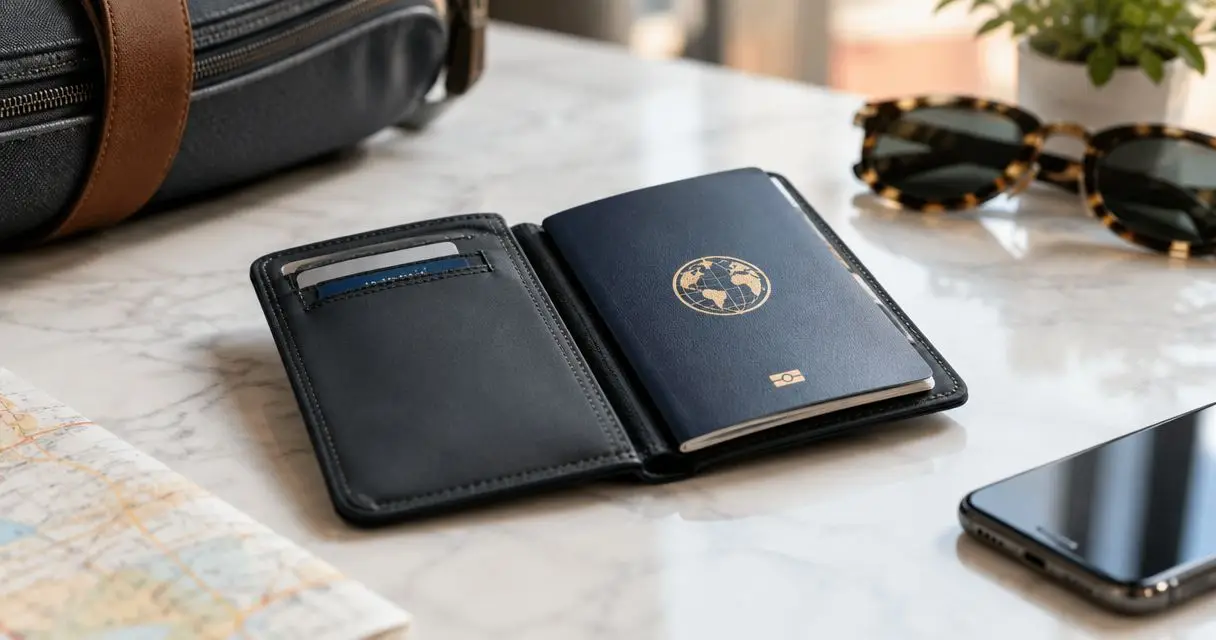
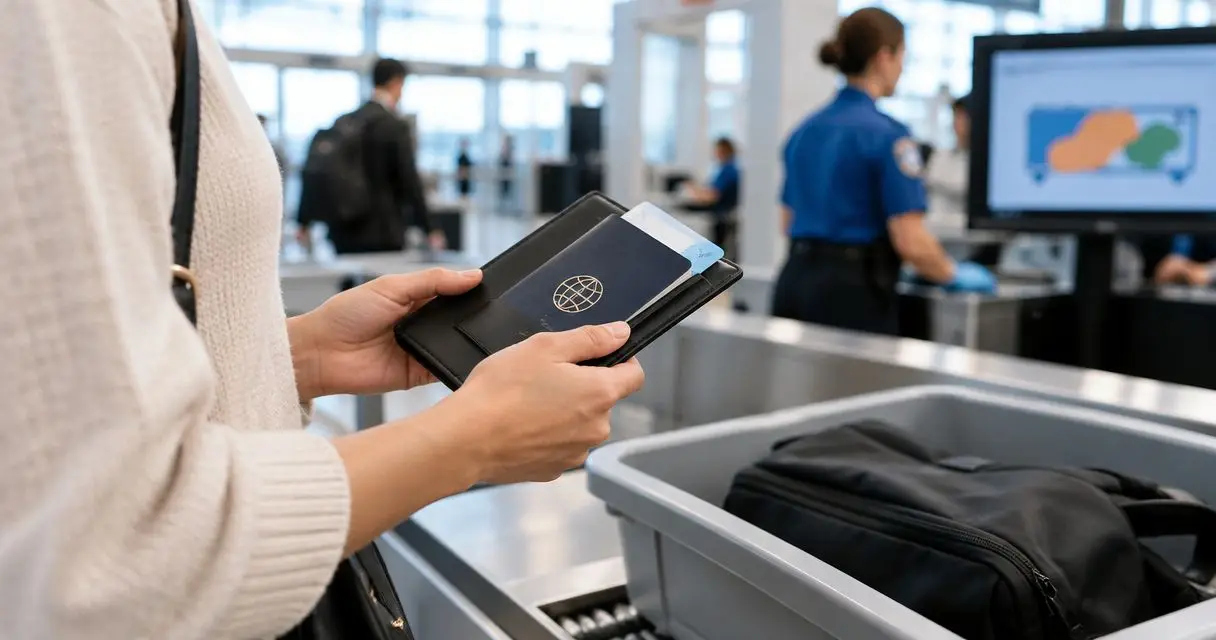
Essential For Travel sells travel accessories and packing guides. Essentialfortravel is best for travelers who want a physical family passport organizer, not Global Entry account integration. Its RFID Family Passport Holder & Travel Document Organizer lists space for up to six passports, plus cards and boarding passes.
Use the holder as the document station for your family’s checks. Keep account administration separate, and verify each traveler rather than assuming the family is covered because the passports share a pouch.
Before you start
For your 2026 travel preparation, gather these materials before changing any records:
- Each traveler’s current passport and membership information. Include children. Every person using Global Entry needs individual approval; a parent’s membership does not extend to a child.
- Access to the appropriate Trusted Traveler Programs accounts. Use the official government service and its sign-in process. Keep passwords and recovery information out of the passport holder.
- A separate check for changed identity details. A passport renewal and a legal name change are not interchangeable updates. CBP directs members with name changes to an enrollment center; do not assume editing a passport number completes that process.
Do not create another account just because you cannot immediately find an existing membership. Resolve account access through the official service before starting a replacement application or trying to attach the same traveler elsewhere.
Your physical holder and digital record
Treat the passport holder and Global Entry record as complementary parts of your travel preparation, not competing products.
| Part of the workflow | Best for | What it does | Limitation |
|---|---|---|---|
| Family passport holder | Keeping household travel documents together | Gives passports and related papers a shared physical location | Cannot enroll travelers, change government records, or confirm membership |
| Individual Trusted Traveler Programs record | Managing a traveler’s Global Entry membership | Provides access to that person’s application, membership, and document information | Does not organize or protect the physical passports you carry |
The holder’s advantage is shared access to documents during preparation. Its trade-off is concentration: leaving that holder behind means leaving the grouped documents behind together.
The account’s advantage is access to the official membership record. Its limitation is that a correct digital record cannot replace the current passport required for your journey. You need both an accurate record and the right physical document.
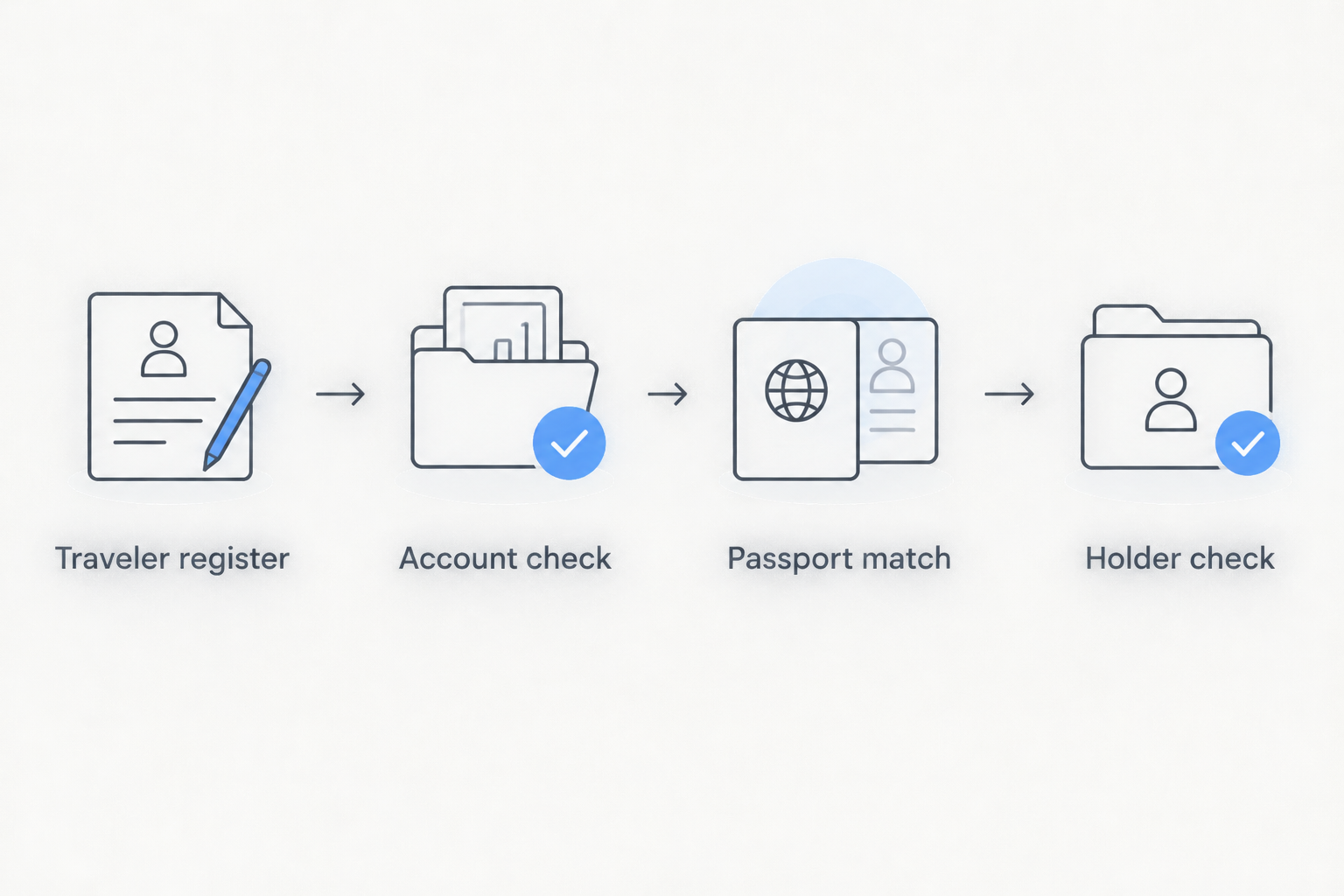
Traveler register
Start your 2026 family passport holder Global Entry workflow with a simple register. Use paper or a private document you already control; this process does not require a new application or a shared family login.
- Create 1 row per traveler. Record the traveler’s name as shown in the passport, whether the traveler has Global Entry, and whether a document update needs attention.
- Add separate columns for passport expiration and membership expiration. These are different dates; changing one does not automatically change the other.
- Assign a passport position in the holder. Use a repeatable arrangement, such as the same adult-first order every time you pack.
- Mark unresolved items explicitly. Distinguish an application awaiting a decision from an approved membership, and distinguish an expired membership from a valid one.
Expected result: You can identify whose passport belongs in each position and whose membership needs action without opening every account again.
Keep the register minimal. You do not need to copy full passport numbers, passwords, or security answers into a shared checklist to track whether a check is complete. Store sensitive account information through your normal secure method, not in a loose note beside the passports.
Individual account check
Use the Trusted Traveler Programs account belonging to the traveler whose details you are checking. Avoid working across several family members’ accounts at once; finish one traveler before switching to another.
- Open the official Trusted Traveler Programs service and sign in through its government authentication process. Avoid entering credentials through an unsolicited message.
- Confirm the account belongs to the intended traveler. Match the name and membership information before opening any document-management controls.
- Check the membership status and expiration shown in the record. Do not treat a submitted application or conditional approval as completed Global Entry enrollment.
- Record the result in your traveler register, then sign out before moving to the next person.
Expected result: Every traveler has a checked membership status, rather than an assumption based on another family member’s approval.
If a traveler is not enrolled, passport organization is still useful, but it does not grant Global Entry access. Handle enrollment through the official application process. Keep that task separate from updating an existing member’s passport.
For children, the same distinction applies. A child’s passport in a parent’s holder remains the child’s document, and the child needs individual Global Entry membership to use the program.
Passport match and document update
Compare the physical passport with the document information in the correct member’s account. This is the actual connection your workflow needs: a verified match between the document you carry and the traveler’s official record.
- Open the current passport to its identity page. Check the passport number and expiration carefully rather than relying on a saved photograph of an older passport.
- In the member’s account, select Update Documents when updating passport information. Follow the fields and instructions shown for that traveler.
- Enter the current document information exactly as requested. Recheck similar-looking characters and confirm you have not used another family member’s passport.
- Complete the on-screen submission process. Check the resulting document information and any further instructions before marking the task complete.
- Stop if the account does not support the change you need. Follow CBP’s instructions for enrollment-center assistance rather than substituting a different document type or creating another identity.
Expected result: The member’s document information matches the current passport, or you have a clearly identified official action still to complete.
A legal name change needs separate attention. CBP directs members with name changes to an enrollment center; do not mark the record resolved merely because you entered a new passport number.
For 2026 trips, make this check when a replacement passport arrives, not while you are leaving for the airport. A printed checklist cannot correct an unresolved government record.
Physical holder check
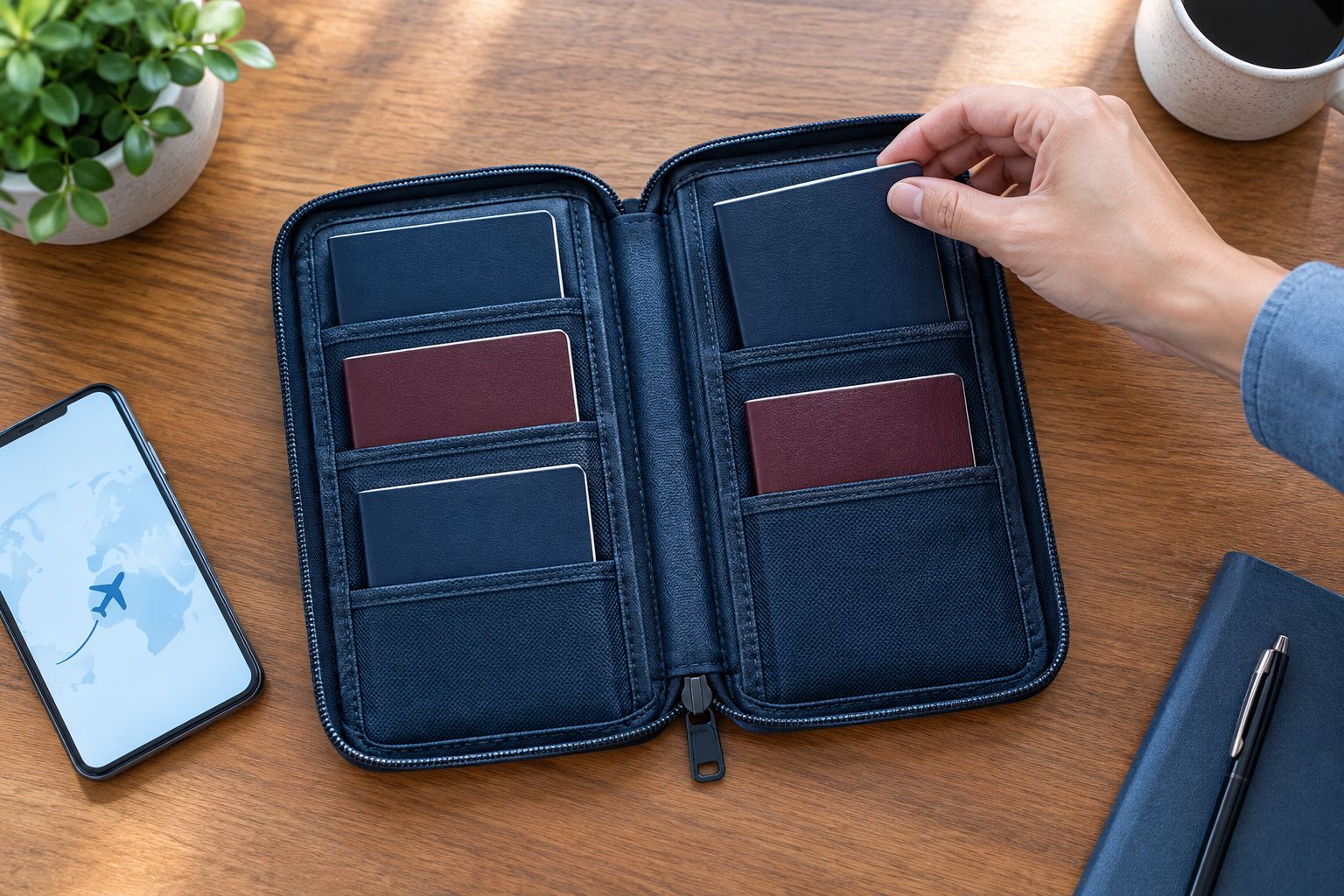
Once the records are checked, pack the documents you actually need. The RFID Family Passport Holder & Travel Document Organizer from Essentialfortravel is a physical organizer with listed space for up to six passports; that capacity is not a family membership limit or an electronic connection feature.
- Return each current passport to its assigned position. Keep any old passport needed for your itinerary clearly distinguishable from the current passport.
- Keep boarding passes and other journey papers arranged by traveler. Do not let a shared storage pocket become an unsorted pile.
- Perform 2 checks per traveler: confirm the person’s current passport is present, then confirm any membership or document action in the register is resolved.
- Assign responsibility for carrying the holder during each transfer. If responsibility changes, make the handoff explicit.
Expected result: The holder contains the intended documents, and you know who is carrying them.
A holder advertised with RFID blocking does not update Global Entry, renew a passport, or prevent someone from losing the entire wallet. Choose organization features for document handling, not as a substitute for account checks.
Repeat the check whenever a passport is renewed
A renewal-triggered workflow is more useful than repeating every setup task before every journey. Use it whenever a family member receives a replacement passport or changes identity details.
- New passport: Compare the new document with the traveler’s existing membership record and update the document information through the official process.
- Legal name change: Follow CBP’s enrollment-center instructions for the membership change instead of treating it as a routine number edit.
- New family traveler: Add a new register row and passport position. Assess that person’s enrollment separately; do not copy another traveler’s membership information.
- Upcoming membership expiration: Treat renewal as its own task. A valid passport does not extend Global Entry membership.
For your 2026 checklist, use a clear completion rule: a task stays open until the official record and the physical document agree, or CBP’s required follow-up is complete.
Expected result: A changed document triggers a targeted check without making you rebuild the whole family’s packing system.
Troubleshooting
A child’s passport is packed, but there is no membership
The passport holder does not supply eligibility or approval. Complete the child’s individual enrollment process before planning to use Global Entry together; physical possession of the passport is not enrollment.
The account still shows an old passport
Confirm you signed into the right traveler’s account, then use Update Documents for the current passport information. If the change cannot be completed online, follow the official assistance instructions rather than repeatedly entering different versions.
A legal name change does not fit the online update
Treat this as an identity-record issue, not a packing issue. Follow CBP’s enrollment-center instructions and bring the documentation CBP requires for that change.
One family member is approved and another is not
Approval is individual. Do not plan the family’s entry procedure around an unapproved traveler using another person’s membership; follow CBP officer directions for your group.
The holder is full or difficult to close
Respect the organizer’s listed capacity and check the fit with your actual documents. Remove unrelated papers or divide documents between suitable holders instead of forcing the closure and making passports difficult to retrieve.
Family travel document checklist
Keep the register focused on decisions: passport checked, membership checked, action outstanding, and document location. A long checklist is not useful if nobody can tell which task remains unresolved.
For a larger household, assign preparation duties by traveler while keeping final verification consistent. One adult can collect documents, but the person checking an account must still verify that the record belongs to the passport in hand.
Add itinerary-specific requirements separately. Global Entry membership does not replace destination entry requirements, and a passport holder does not establish that every document required for a trip is present.
FAQ
Can I connect a family passport holder to Global Entry?
No. A physical family passport holder has no connection to Global Entry accounts. Use it to organize passports while managing each traveler’s membership separately through Trusted Traveler Programs.
Does every child need separate Global Entry membership?
Yes. Each child needs individual Global Entry membership to use the program. A parent’s approval does not cover children whose passports are stored in the same holder.
How do I update Global Entry after renewing a passport?
Sign into the appropriate Trusted Traveler Programs account and use Update Documents to enter the current passport information. Follow any additional instructions if the change cannot be completed online.
Does RFID blocking connect my passport to Global Entry?
No. RFID blocking is unrelated to Global Entry enrollment or account updates. A holder’s RFID feature does not change information in a government record.
Can one Global Entry account cover the whole family?
No. Global Entry membership is individual, not a shared family approval. Check each traveler’s own membership and passport information separately.
What should I do after a legal name change in 2026?
Follow CBP’s enrollment-center instructions to update your Global Entry membership after a legal name change. Do not assume that entering a replacement passport number resolves the name change.
How many passports does the listed family organizer hold?
The RFID Family Passport Holder & Travel Document Organizer lists space for up to six passports, plus cards and boarding passes. That physical capacity has no effect on the number of individual Global Entry memberships required.
One last thing
Passport expiration and Global Entry expiration are separate checks. Put both on your 2026 preparation list: a newly issued passport does not renew membership, and current membership does not renew a passport.
Before closing the holder, ask a more useful question than whether everything fits: does every traveler’s document match the record checked for that person?