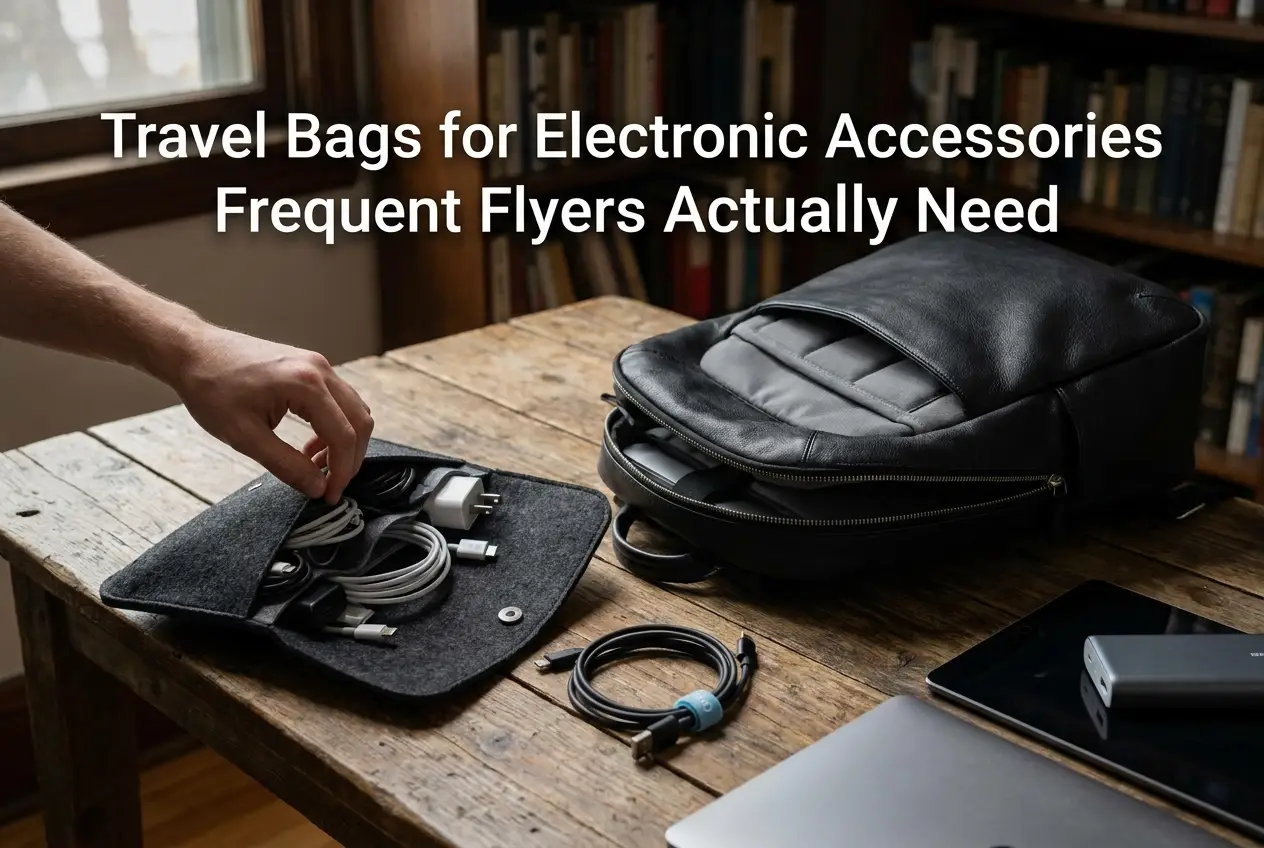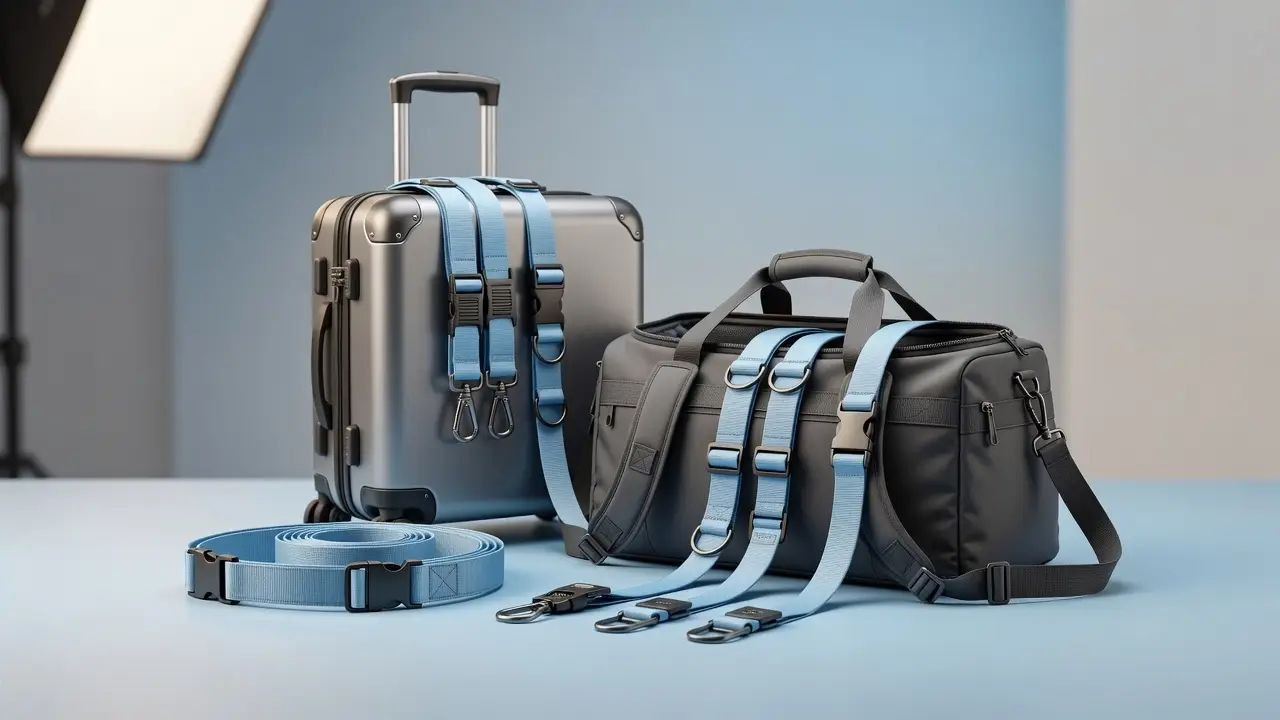
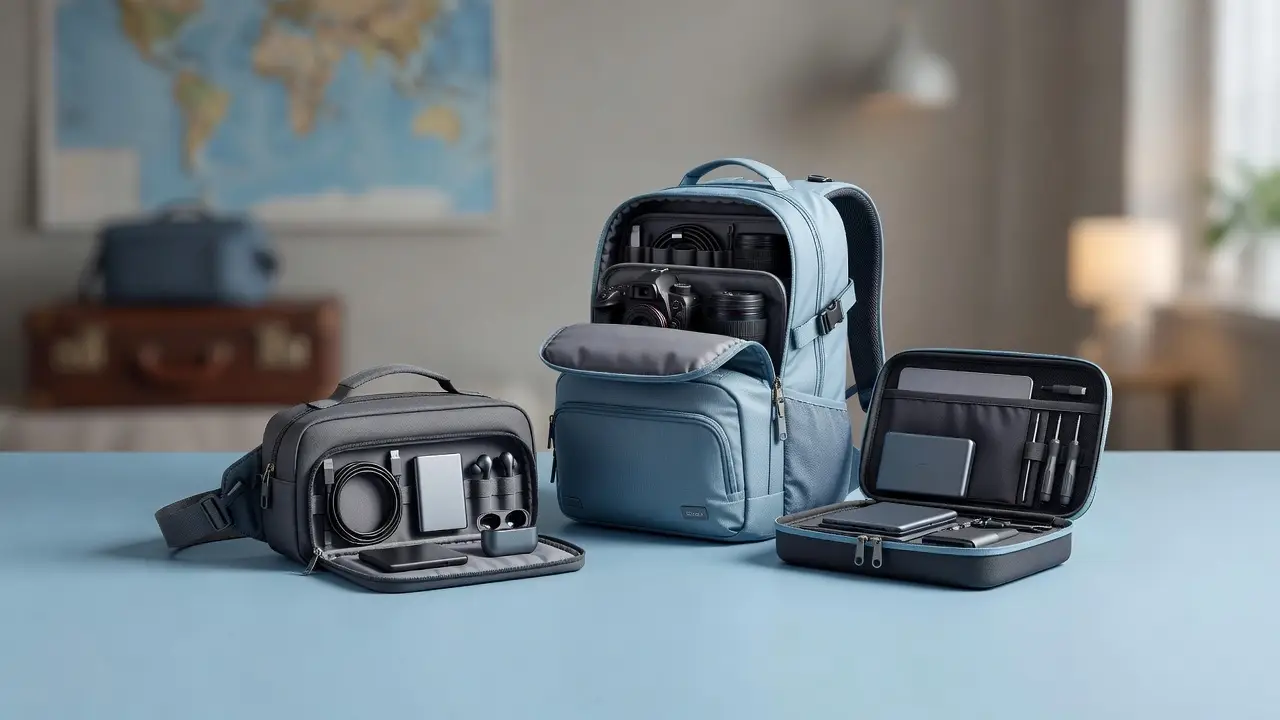
A travel electronics bag keeps your charging kit organized: choose a tech pouch for a few cables, a compartmented cable organizer for several chargers, or a backpack with a device compartment for your laptop or tablet. The useful size depends on your actual equipment, including bulky plugs and fixed connectors.
This guide compares bag formats, usable pocket space, access and documented protection. Measure your kit, test the organizer inside your main travel bag, and check battery and screening rules before you fly.
Tech Pouch vs Organizer vs Backpack: Which Fits Your Kit?
Compare usable space and access before adding more pockets. The formats below are packing options, not tested product rankings.
| Your kit | Format to compare | Fit check |
|---|---|---|
| Phone cable, earbuds and one charger | A compact pouch you already own or a small tech case | Largest charger fits and the zipper closes normally |
| Several chargers, adapters and small accessories | BANGE Electronics Organizer | Usable pockets fit the plugs; hard items stay apart |
| Laptop or tablet plus other travel belongings | BANGE 20L Travel Backpack or a device-sized protective case | Device compartment, padding, loaded comfort and airline dimensions suit your trip |
The organizer and backpack can work together if both fit your equipment. A backpack’s stated liters do not establish laptop fit, and an organizer’s exterior measurements do not establish its usable pocket space. Ask for missing measurements before ordering.
Use the checklist below to test the organizer with your complete charging kit.
Five Checks Before Packing Your Electronics
- Lay out every device, charger and required cable; remove duplicates only after checking compatibility.
- Coil cables loosely and separate plugs from screens and delicate connectors.
- Check the battery guidance below before packing a power bank or spare cell.
- Keep the charger you use most accessible without unpacking the entire bag.
- Close the filled case normally and test it inside your permitted carry-on or personal item.
For the larger bag, use our lightweight travel backpack guide. Your cables may enjoy forming knots, but buying a bigger bag should follow a fit check rather than surrender.
What to Look for in a Travel Electronics Bag
Compare the organizer with your actual accessories before paying for extra pockets or advertised features. These six checks help you decide what matters for your kit.
Cable Management Slots and Elastic Loops
Separate cables so plugs do not press against screens or delicate accessories. Check that loops and pockets fit the connectors as well as the cable itself. Coil cables without sharp bends and follow any device-specific packing guidance; a loop count alone cannot establish protection.
Water Resistance and Construction
Compare fabric construction, seams, closures and any manufacturer-stated water-resistance rating. Oxford fabric, nylon and polyester can be practical for compact organizers, but the material name alone does not establish waterproofing or impact protection. Store electronics away from liquids and use additional protection when exposure to rain or spills is likely. Before buying, check the actual item’s materials and care information rather than assuming that every soft case or rigid case performs the same way.
Airport Screening and Airline Rules
Choose a bag that lets you retrieve electronics easily if security officers ask you to remove them. An electronics organizer is not independently “TSA-approved,” and a flat-opening case does not guarantee that items can stay packed or speed up screening. Follow instructions at your specific checkpoint and check official TSA security screening guidance before traveling. Keep power banks accessible and follow the separate airline and FAA lithium-battery rules.
RFID-Blocking Panels and Lockable Zippers
An organizer may have lockable zipper pulls or RFID-blocking pockets, but neither feature should be assumed unless the product listing confirms it. RFID-blocking materials are intended for compatible contactless cards; they do not protect electronics from theft, malware or unauthorized account access. Prioritize securely closing pockets and keeping valuable devices within your control, especially during transfers.
Size and Portability
Check the current personal-item and carry-on size rules for each operating airline and fare, rather than assuming a universal measurement. An electronics organizer is often packed inside a backpack, tote or carry-on instead of counted as another bag. Measure the organizer after filling it and compare it with the available space in your actual luggage. Our carry-on size guide explains what measurements to check.
Total Device Capacity Configuration
Count accessories, then measure their shapes. Three bulky chargers may need more room than six thin cables. A laptop needs its own correctly sized compartment or case; the number of devices does not create a universal threshold for choosing a pouch, organizer or backpack.
Backpacks, Protective Cases and Slings
Consider these formats when your kit includes a larger device, fragile equipment or accessories you want to reach while walking.
Travel Backpacks With Laptop and Tech Compartments
For additional fit and load-transfer guidance, read our lightweight travel-backpack buying guide. One example to compare is the BANGE BG-3057 20L backpack, which lists multiple pockets, a trolley strap and an adjustable chest buckle. Check the selected product’s laptop-space measurements and actual exterior size; those specifications alone do not establish fit for every laptop or airline.
A backpack can carry a laptop and other travel belongings, while a small organizer keeps charging accessories together inside it. Check the exact laptop-compartment size, padding and pocket layout. A USB pass-through is not a power supply, and a stated capacity in liters cannot establish airline acceptance.
Protective Cases for Fragile Equipment
For fragile equipment, compare a fitted protective case with the equipment manufacturer’s packing recommendations. Check what the case maker documents about cushioning, impact and water protection. A rigid-looking shell or EVA material name does not establish a tested protection rating.
Sling Bags for an Accessible Tech Kit
A sling may keep a small kit accessible while walking. Check its fit on your body, the usable compartment space and whether it fits inside your permitted main bag. If carried separately, it may count toward the airline’s bag allowance.
Travel Electronics Bag Options to Compare
The following are product and format comparisons, not seven named products that have all been tested. Only assume features stated for the exact item you are considering.
BANGE Electronics Organizer for Cables and Chargers
For travelers organizing charging cables, earbuds, adapters and small accessories, consider the BANGE Electronics Organizer for Cables & Chargers sold at Essential For Travel. The listing specifies approximately 24 × 14 × 6 cm exterior dimensions, Oxford and polyester materials, and several color options. Compare its pocket layout with the actual devices you pack and verify the selected variant before ordering. The available specifications do not establish waterproof protection, RFID shielding or a guaranteed number of cable loops, so do not assume those features.
Flat-Opening Pouch for a Small Tech Kit
For earbuds, a cable and a charger, compare a simple pouch with more compartmented options. Open it fully and check where each item will sit. Loop counts, water protection and RFID features vary by model; neither a format name nor a price ceiling proves what is included.
Roll-Up Organizer for Separated Accessories
Choose a roll-up design if you like seeing cables and adapters in separate pockets. Confirm whether dividers or panels are actually removable and measure the organizer when filled. A modular design is useful only if its layout suits your equipment.
Tech Backpack for Remote Work and Travel
A tech backpack may combine device storage with space for clothing or documents. Check each advertised feature separately: a suspended sleeve, tablet pocket, accessory row or charging port is not standard across every model. Compare your laptop’s full measurements with the usable compartment, and test the filled bag’s comfort.
Rigid Cases for Camera and Audio Accessories
A rigid case with fitted cushioning may reduce contact and movement for certain fragile accessories, but the degree of impact protection depends on its tested construction and the fit of each item. Check manufacturer specifications before relying on any crush-resistance or waterproof claim. TSA does not issue a general approval for travel electronics cases or their zippers; follow checkpoint screening instructions.
Leather Folios for Compact Work Kits
A leather folio may appeal when you want a particular look for work trips. Compare usable device space, lining, closure, weight and care instructions. Leather type and price alone do not prove scratch resistance, weather protection or useful life.
Recycled-Fabric Organizers: What to Verify
If recycled content matters to you, look for the stated percentage and what part of the bag it covers. Verify any certification with its issuer and confirm it applies to the product or material you are buying. Do not assume that all recycled-fabric organizers use the same fiber, certification or protection features.
Electronics Bag Configurations by Traveler Type
Use these examples as starting checklists, then adjust them to your own devices. Accessory size, required chargers and the space in your main bag matter more than a fixed item count.
Work-Trip Electronics Kit
A work trip might call for a laptop, mouse, hub, phone charger and earbuds. Include only the devices you use, and confirm the charger and cable ratings required by each device. Check any power bank’s printed watt-hour rating rather than treating 20,000 mAh as a universal airline limit.
Separate bulky plugs from screens and keep the accessories used in meetings easy to reach. A flat-opening organizer may suit your habits, but there is no universal minimum of eight slots or requirement to buy a folio.
Remote-Work Electronics Kit
A laptop, keyboard, mouse, hub and external storage can require both a correctly fitted device sleeve and an accessory organizer. Lay out the complete kit before choosing a backpack, and check that closing the bag does not press hard items against a device.
A multiport charger may reduce duplicates if its outputs and supported charging protocols meet your devices’ needs. Check the per-port ratings when several devices are connected; a headline wattage does not mean every port delivers that power simultaneously.
Leisure and Weekend Electronics Kit
Start with the phone, charging cable and accessories you actually use. If you carry a camera, give it protection suited to that model. Choose the pouch size from the packed contents rather than assuming every five-item kit needs the same bag.
Try an existing pouch before buying another organizer. Upgrade when it does not fit the equipment, keep plugs separated or provide access you need. Trip frequency alone does not establish the price you should pay.
Minimal Charging Kit
A compact kit might include one compatible charger, the necessary cables and earbuds. Confirm connector and charging compatibility before combining accessories. An adapter, power bank or bulky plug can change the pouch size you need.
Remove duplicate cables only after checking your devices and charging setup. A multi-connector cable does not necessarily support every device’s charging speed or data requirements. Test the complete kit at home rather than relying on an unsupported space-saving percentage.
TSA Rules and Airline Compliance for Electronics Bags
Use official screening and battery guidance alongside your operating airline’s rules. A bag layout can help you retrieve items, but it cannot establish compliance for its contents.
Lithium Battery Carry-On Rules
Under FAA PackSafe lithium-battery guidance, power banks and spare lithium batteries belong in cabin baggage. Remove them if the bag is gate-checked. Lithium-ion batteries up to 100 Wh generally do not need airline approval; larger spares over 100 Wh through 160 Wh need approval, with a maximum of two. Carrier rules may be stricter. Read the printed Wh rating; if calculating it, use Wh = mAh × the battery’s rated voltage ÷ 1,000, not an assumed USB output voltage. Do not pack damaged or recalled batteries that could overheat.
Laptop Removal and Checkpoint Speed
At standard checkpoints, expect to remove larger electronics when instructed. TSA PreCheck and lanes using CT equipment can have different procedures; follow the officers in your lane. U.S. Department of Transportation screening guidance explains the distinction. A flat-opening sleeve is a convenience, not permission to leave a device packed or a promise of a faster queue.
Loose Batteries and Terminal Protection
Prevent short circuits by protecting spare battery terminals. An ordinary organizer pocket is not automatically suitable for loose batteries.
- Cover exposed terminals: Keep batteries in their original packaging, use individual protective cases, or apply nonconductive tape over exposed contacts.
- Separate batteries from metal: Do not store unprotected cells alongside keys, coins or other conductive objects.
- Prepare for gate-checking: Remove power banks and spare lithium batteries from any bag that will be placed in the aircraft hold, and carry them in the cabin.
Before flying, review the FAA PackSafe battery packing instructions and your operating airline’s restrictions.
Keep Items Accessible for Inspection
Place devices so you can retrieve them if asked, and avoid forcing cables or plugs against delicate equipment. An organized bag may be easier for you to repack, but it does not eliminate additional screening or guarantee a clear X-ray image.
International Carrier Variations
Check each operating airline’s battery policy before flying, including quantity limits, cabin storage and onboard charging or use. The departure airport’s screening instructions can differ from those in the United States.
Compare Price With Documented Features
Set a budget, then compare usable pocket sizes, protection claims and warranty terms for the exact item. Pay for compartments or specialist protection when they serve your equipment and itinerary.
Consider How Long You Expect to Use It
Compare purchase price with repair options and likely use. A cost-per-use calculation is only an estimate: it depends on actual lifespan, repairs and replacement costs. Do not assume a cheaper pouch needs annual replacement or that a warranty guarantees longer life.
Buy Protection for the Equipment You Carry
Choose a case suited to the device and the conditions of the trip. A high equipment value does not automatically make a premium soft pouch the right protection. Check the relevant tested rating and fit before relying on the case around water or during rough handling.
Check Recycled Content and Repair Options
Evaluate environmental claims one at a time. Material content, certification scope, repair support and your expected use are separate questions; no single label proves the full environmental impact.
1. Check What the Recycled Claim Covers
Look for the stated recycled percentage and whether it covers the shell, lining or whole product. Ask the seller to clarify missing details. Do not assume recycled plastic came from the ocean or that every product in the category has the same certification.
2. Verify Certification Scope

If a seller cites a certification, check the issuer’s current information and whether the claim covers a company, facility, material or finished product. A business credential should not be presented as a protection rating for an organizer.
3. Ask About Repairs
Check whether the seller offers repairs, replacement parts or a meaningful warranty. Keep the terms and purchase record. Repair support may help you keep an item in use, but a feature list cannot establish a guaranteed lifespan or calculated environmental saving.
4. Compare the Finished Product
Recycled polyester and other fabrics may be options for travelers who want to compare materials. Look for traceable recycled-content certifications where available, check seams and zippers, and evaluate whether the selected organizer fits your actual equipment. Recycled content alone does not prove durability, weather protection or environmental superiority across a product’s life cycle.
Choose a product that fits your accessories and has clear information about the features you value. Reuse an existing organizer when it does the job; buying a new one is optional.
Travel Electronics Bag FAQ
Should I choose a small tech pouch or a travel backpack?
Lay out the equipment you actually carry. A small pouch can suit a few cables, earbuds and a charger; a compartmented organizer can separate a larger accessory kit. A laptop or tablet needs a compartment or case sized for that device. Test the complete setup inside your main travel bag before departure.
How do I check whether my chargers will fit an electronics organizer?
Measure the largest charger with any fixed plug or attached connector included. Compare it with the organizer’s usable pocket measurements, not just its exterior size. Arrange your cables without sharp bends and check that the case closes without forcing the zipper. Ask the seller when interior measurements are not listed.
Does water-resistant fabric make the whole electronics case waterproof?
Do not assume that a fabric description establishes protection for the complete case. Check what the manufacturer says about the finished product, including seams and zippers, and follow its stated limitations. Keep liquids separate from electronic equipment.
How should I organize a tech kit for everyday access?
Group cables by the devices they charge, keep the accessories you use most in accessible pockets, and remove duplicates that do not serve your trip. Leave enough space to close the organizer without compressing connectors or forcing items against one another.
Products and Guides for an Organized Tech Kit
An electronics organizer works best when each item has a place. Consider a 20,000 mAh portable power bank with digital display for charging on the go or a universal travel adapter when the destination uses different outlet types. Confirm plug compatibility, device input ratings, and airline battery restrictions before packing; a plug adapter does not convert voltage.
Before your next trip, use our travel packing system checklist to keep chargers, cables, and documents easy to find, and consult the complete travel essentials packing guide to plan the rest of your carry-on.