
By Garry Barnes | Published
Editorially reviewed . Check the linked official sources for current travel requirements.
Choose an organizer with separate spaces for cables, chargers, adapters, and small accessories. Compare its internal dimensions with your largest charger, check that closures keep items secure, and keep frequently used items easy to reach. An organizer groups your gear and can help keep it accessible; it does not guarantee protection from damage or replace a compatible charger or adapter.
A travel electronics organizer keeps the charging equipment and small accessories you need together. Choose it after laying out your actual kit, rather than buying by pocket count or a “TSA-friendly” label. Compare usable space, closure, packed weight, and access inside your main bag.
| Your situation | Do this now | Move on when… |
|---|---|---|
| You carry 1 charger and 1–2 cables | Try a simple zip pouch first. | Everything fits without tangling or slowing access. |
| You carry several cables, adapters, earbuds, and a power bank | Lay them out by category and test a structured organizer. | Each item has a repeatable place and the case closes normally. |
| Your largest charger barely fits | Measure it before buying and compare the pocket opening and usable depth. | It fits without pressure on the plug, cable, or zipper. |
| You need fast airport access | Put the power bank and primary cable in the easiest-to-reach compartment. | You can remove both in 30 seconds without emptying the case. |
| The organizer feels bulky once packed | Remove duplicate cables and unused accessories, then retest. | The organizer saves more space and time than it adds. |
Stop rule: if the organizer does not improve access, reduce tangles, or keep small tech from getting lost, skip it and use a simpler pouch or backpack pocket.
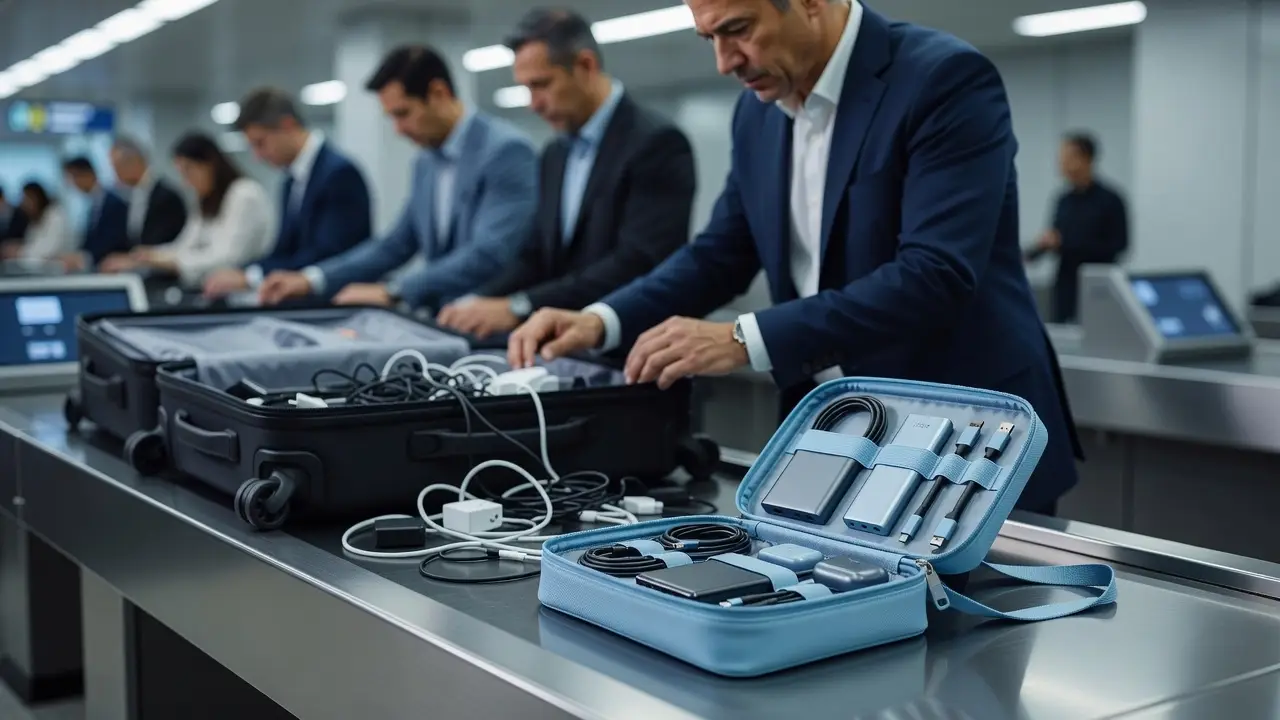
Measure your largest charger or adapter, then check the case’s usable interior dimensions and pocket openings. Listed exterior size does not establish that a bulky plug will fit inside a particular compartment. Leave enough room to close the organizer without forcing the zipper or bending cable connectors.
Our BANGE Electronics Organizer currently lists a size of 24 × 14 × 6 cm. Compare that listed size and the pocket layout with your gear; check the selected variant and current product specifications before ordering. Do not assume the listed dimensions describe usable interior space.
| Your equipment | Feature to compare | Practical test |
|---|---|---|
| Cables | Loops, ties, or separate pockets | Remove one cable without pulling the others out |
| Large charger or adapter | Usable compartment depth | Close the case without pressure on the plug |
| Earbuds and memory cards | Secure small-item pockets | Check closure and access with the actual item |
| Power bank | Protected, accessible storage | Check battery rules separately from case fit |
| Frequently used charging cable | Easy-access pocket | Retrieve it while the case is in your bag |
Padding, material names, and water-resistance claims do not guarantee protection against drops or spills. Check what the product’s claim covers, including seams and zippers. Keep liquids separate and follow care instructions.
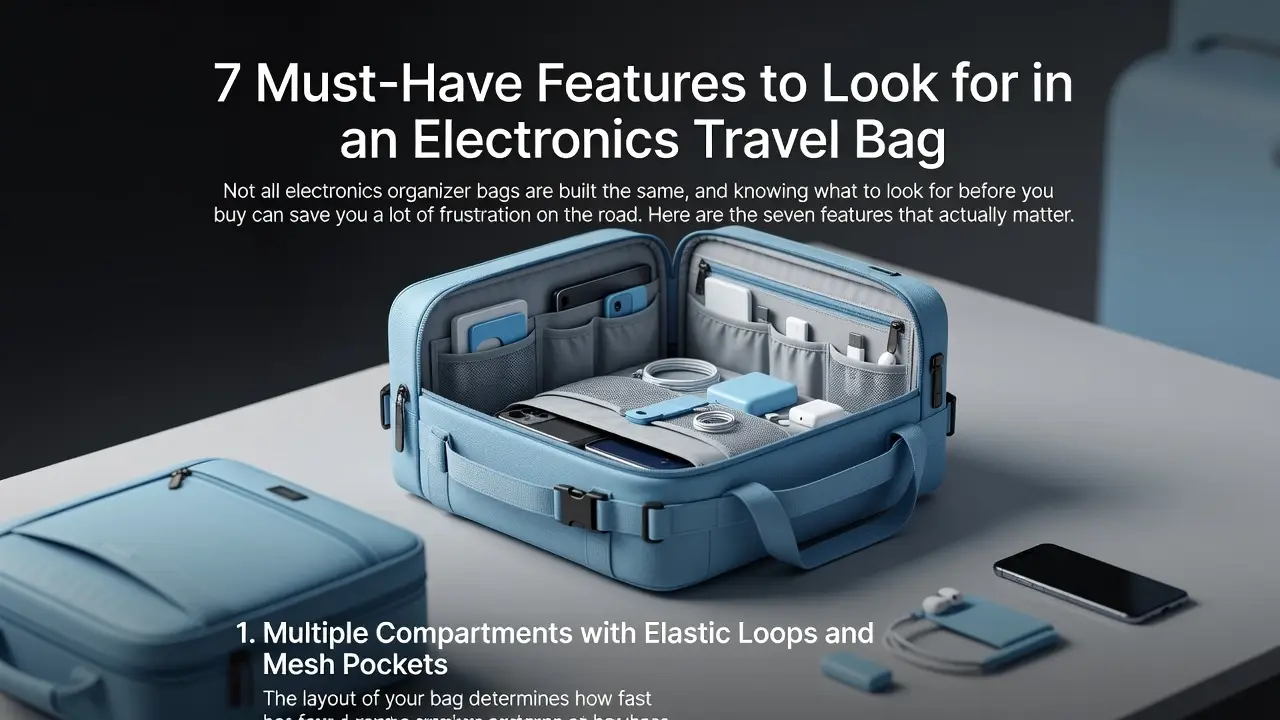
Organization can make requested items easier to find, but it does not guarantee faster screening or eliminate inspection. Follow the instructions at your checkpoint about which electronics to remove and where to place them. Do not assume that opening a clamshell case replaces individual screening instructions.
Review TSA security screening guidance and keep equipment accessible. Procedures can differ at international airports; check the relevant security authority for your itinerary.
Power banks and spare lithium batteries belong in carry-on baggage under FAA guidance. Protect them from damage and short circuits, and remove them if your bag is checked at the gate. Check the battery’s watt-hour rating and your airline’s quantity, capacity, storage, and onboard-use rules.
An organizer is a storage accessory and does not certify a battery for flight. Review FAA lithium-battery guidance. If comparing our 20000mAh Portable Power Bank, verify its marked battery rating and your operating airline’s rules rather than relying on mAh alone.
Compare the Universal Travel Adapter with the destinations and devices you plan to use. An organizer does not change electrical compatibility, and a plug adapter should not be assumed to convert voltage.
Match each device to its cable, then check charger input ratings and destination outlets. Check plug compatibility and voltage requirements separately. Keep power banks accessible for a possible gate check, and confirm each airline’s current carriage, storage, and use rules.
FAA guidance on lithium batteries and power banks.
Use labeled pouches or a shared checklist when that helps your routine. Separate each person’s essentials or group shared equipment by device. Choose the simpler system for your trip rather than assuming everyone needs a separate case.
A tracker may help locate a misplaced pouch, but availability and accuracy depend on its design and conditions; recovery is not guaranteed. Keep equipment physically secure. RFID shielding for compatible cards or documents does not protect electronics from theft or prevent every form of fraud.
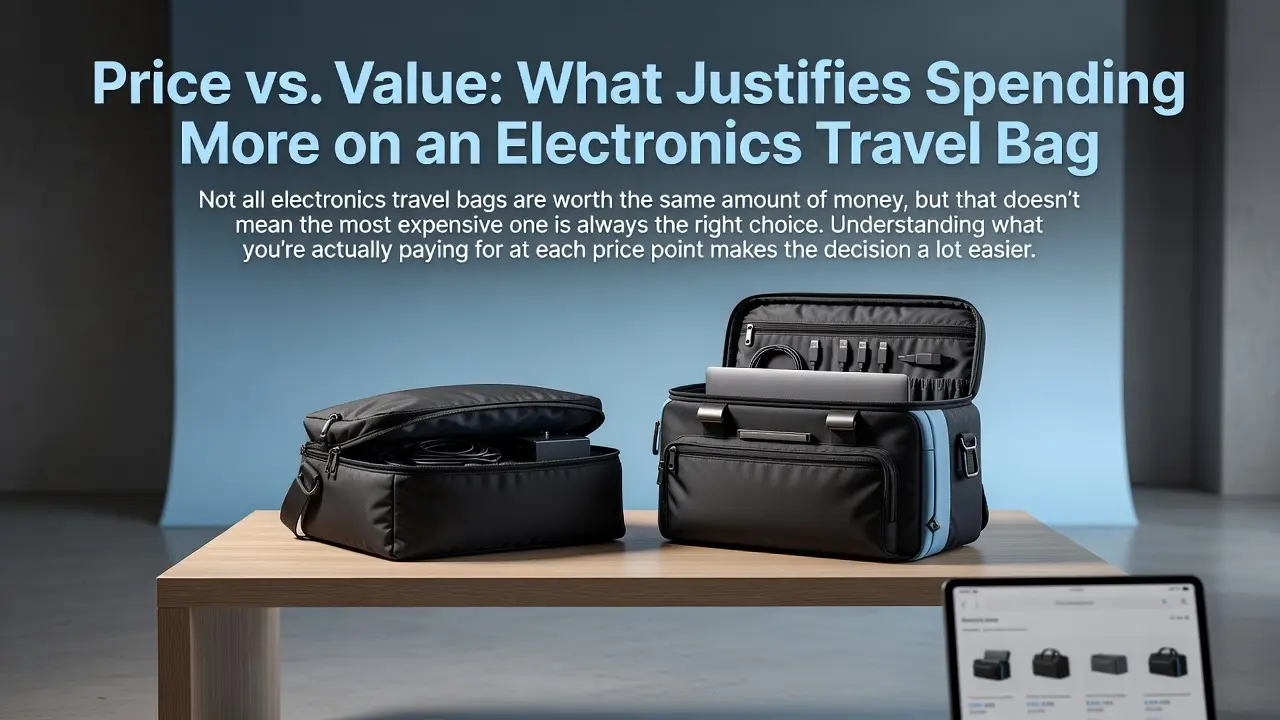
Check that your largest item fits, the closure operates normally, essential equipment is easy to reach, and the case fits your main luggage. Pay for features that solve those needs rather than extra pockets you will not use.
| Option | Best for | Choose it when… |
|---|---|---|
| BANGE Electronics Organizer | Multiple chargers, cables, earbuds, adapters, and a power bank | You carry several tech items and want each one assigned to a specific place. |
| Simple zip pouch | One charger, one or two cables, and a small accessory | Your kit is small enough that extra compartments would mostly go unused. |
| Backpack pocket | Very minimal kit | You carry only one or two items and can reach them without tangling or losing them. |
Decision rule: choose the BANGE Electronics Organizer when you carry several different tech items and need repeatable organization. Choose a simple pouch when your kit is small and lightweight. Skip a separate organizer entirely when one backpack pocket keeps your limited gear secure and easy to reach.
Suppose you travel with a phone charger, tablet charger, two charging cables, earbuds, a power bank, and a universal adapter. First, remove any duplicate cable that does not serve a unique device. Next, measure the largest adapter and place it in the deepest compartment. Put the power bank where it can be removed without unpacking the organizer. Then close the case normally and place it in your actual carry-on.
Final choice: keep the organizer only if all remaining items fit without pressure, you can reach the power bank and primary cable in under 30 seconds, and the filled case still fits your carry-on without crushing other essentials. If any of those checks fail, reduce the kit or choose a simpler pouch.
No. Compare pocket dimensions, closure, and access with the items you carry. A few useful spaces can work better than many undersized compartments.
Keep spill-prone products separate from electronic equipment. See our toiletry bag guide for a separate personal-care kit.
Compare the equipment’s storage needs, the case’s construction, and the space in your main bag. A simple pouch may suit a few cables; larger equipment may need more structure. No case guarantees protection from every impact.
Compare the filled case with the actual available space in your bag. Our travel backpack guide explains how to evaluate your full packing list.